
What happened after Screenity started making money
I just wanted to build fun things. Instead, I got trapped in the post-launch doom loop.

Issue #41
Hey! I’m Alyssa X, a serial entrepreneur who’s built 12+ products solo. This email is part of my maker journey, which you’re subscribed to. Feel free to forward it to others if you find it interesting! You can support me through GitHub Sponsors, I’d really appreciate it! ❤️
Hey all,
I know, I know. I disappeared again, I hope you didn’t miss me too much.
I’ve been heads-down turning Screenity from the free extension people know into something that can actually sustain itself.
Works on my machine
Last time I wrote, I talked about waking up after launch and seeing subscription emails coming in one after another. I can now say that yes, it’s working, so far at least! Screenity has been covering my expenses month by month, which still feels slightly unreal to write, especially now that it’s been over a year since I quit my job.
Of course, it wasn’t that simple.
In the weeks after I launched, many days went like this: someone would subscribe to Pro, install the extension, start recording… and something would go wrong. I’d drop whatever I was doing, investigate, try to reproduce, fix if I could, email the user, and by then, the user was long gone.
All the while I was still supporting free users with their own local extension flow and issues.
So instead of working on exciting new features, or marketing Screenity, I was losing my mind trying to uncover the mysteries of the browser 🫠
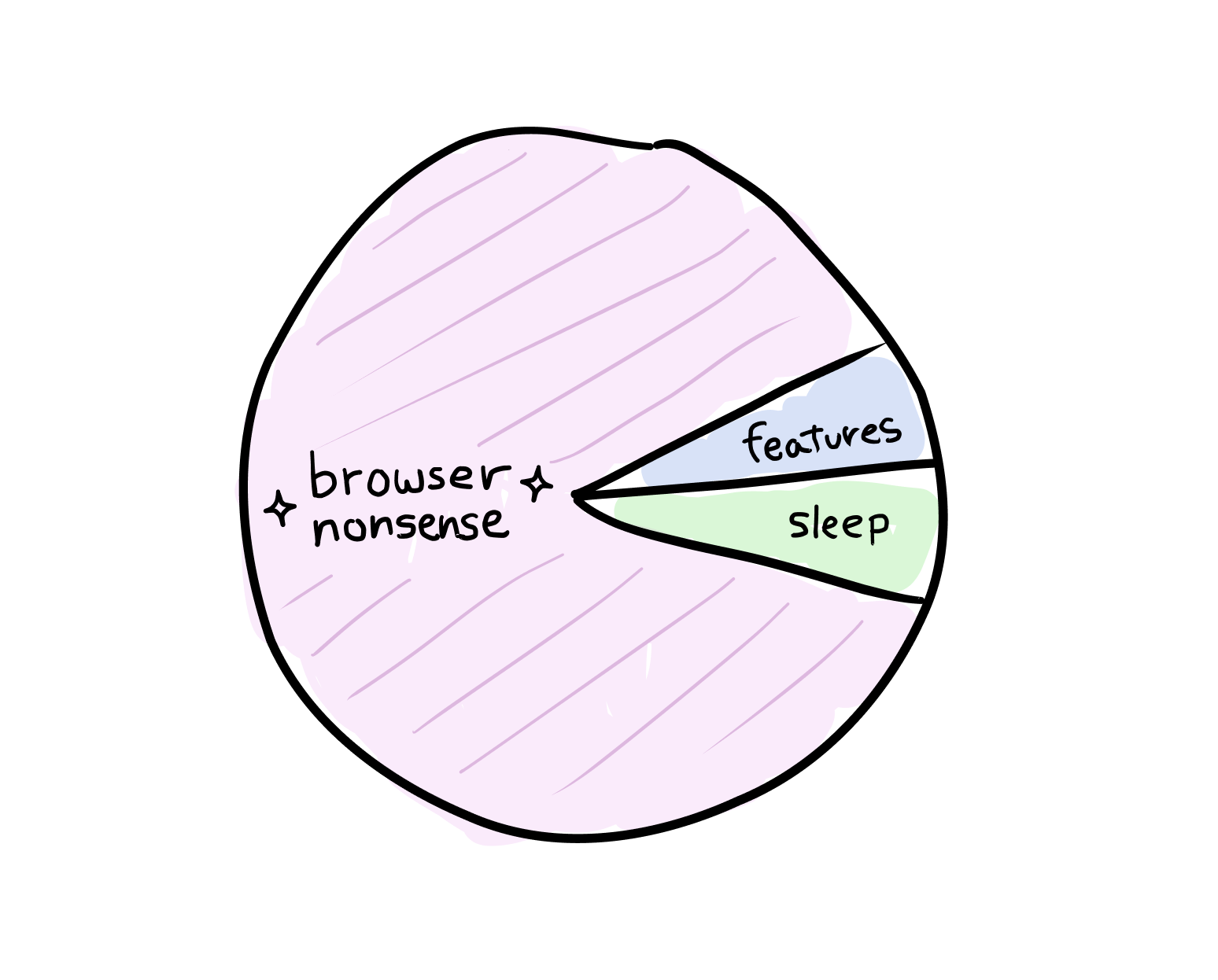
In theory, I had a whole testing stack for this, different browsers, browser versions, devices, virtual machines, logs, troubleshooting files… But browser recording is a whole weird mix of permissions, extensions, conflicting apps, storage state, tab lifecycle states, codec support, and whatever Chrome decided to change that week, so reproducing issues still felt like whack-a-mole.
For one, Chrome would throttle my pinned recording tab (a workaround I came up with years ago when moving to Manifest V3). As soon as the user switched away to actually record something, Chrome could decide the tab was unimportant, drop frames, mess with timing, and turn the video janky. Which, unsurprisingly, users do not enjoy very much.
So I ended up with ridiculous workarounds: a fake WebRTC call to itself to look like it’s “in a call”, an inaudible sine wave, Media Session tricks to make it look like media is playing, and other things that sound fake but are sadly real.
And recording itself? Oh, don’t get me started…
MediaRecorder is the standard for recording in the browser, but it has all sorts of quirks, like broken WebM metadata, memory problems, inconsistent behaviour. Then there’s FFmpeg, which I used for transcoding and editing, awkwardly running inside an extension, with video chunks passed through IndexedDB, the service worker, and a sandboxed iframe like contraband.
Eventually I thought, yeah, I’m done with this.
So I used an amazing library called Mediabunny and built my own custom recorder pipeline around WebCodecs and OPFS. Instead of waiting for MediaRecorder to hand me whatever sort of blob it felt like producing, I could take the streams directly, encode them myself, keep memory usage low, and output proper MP4 files almost instantly.
A change of scene
After spending far too much time fighting the browser, I needed to work on something a little more fun.
Naturally, I chose the thing that made me rebuild half the editor 😅
The product was good, but it still didn’t feel as creative as I wanted it to. Screenity had started as a screen recorder, but as a designer, I wanted it to become a small video design tool, flexible and creative, without making people learn After Effects.
So I reworked the internal model. I thought, why should scenes be constrained to a screen and a camera anyway?
In my mind, a scene should be like a canvas. You should be able to add objects, drag them around, resize them, transform them, group them, animate them, and arrange things freely.
So I added text objects, with pre-made designed text templates. Then images. Then blur and spotlight areas, so you can hide or highlight parts of the screen after recording. Then overlays with their own timings, so you can drag and trim them on the timeline.
For shapes, I wasn’t satisfied with just “circle” and “square”… so I made over 40 of them, parametric, editable, randomizable, with all sorts of custom patterns and fills.
Then came animations, with objects moving in, moving out, or looping, progress bars, and even text effects, with things like marquee, typewriter and scramble, down to the letter, word, or paragraph level.
And finally, animated layouts through keyframes, so screen and camera compositions can smoothly morph between different arrangements instead of snapping from one template to another.
So yeah, that was a multi-month “oh no, everything depends on this” situation. I had to reconcile old videos, rip out old schemas and assumptions, rebuild templates into an atomic system, make a staging area before recording… all to fit the new model.
Harder, better, faster, stronger
The other huge piece was rendering.
If Screenity was going to become more like a video design tool, the renderer couldn’t be the thing holding everything back.
When I first built Pro, I used Remotion. It’s great, it helped me move quickly, but I couldn’t get renders fast enough or light enough for the product I wanted. A five minute video could take seven or eight minutes to render, sometimes even more with 3D zooms or shadows! Since renders ran on a server queue, users sometimes had to wait around, and I had to put some export limits to keep things under control.
Users were understandably not thrilled…
So I did the obvious thing and built my own renderer from scratch.
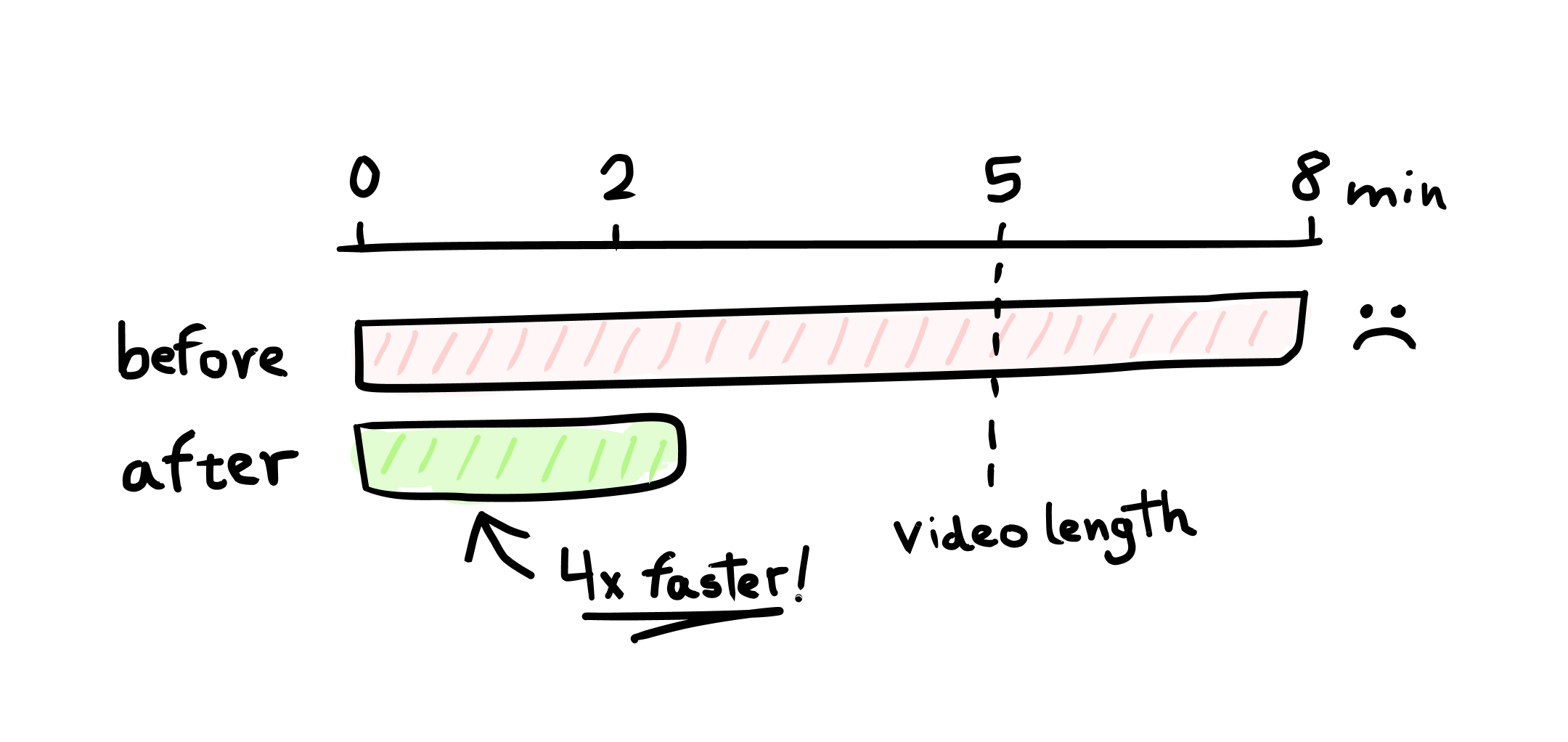
It runs much closer to the metal, with frames moving through the pipeline far more efficiently instead of being copied back and forth. That five-minute video that used to take eight minutes can now finish in just two.
Of course, none of this was easy either.
Old projects had to render exactly the same as before. Every layout, template, zoom, colour, font, shadow, crop, and animation had to match, so I ended up building visual comparison tools to catch pixel differences between the old Remotion output, the new Skia renderer, and the browser canvas version.
The best part is that all of this finally let me drop the export limit entirely, which was a huge amount of work for one very tiny changelog line.
One more thing
I also rebuilt the landing page, though I’m still tweaking it (of course).
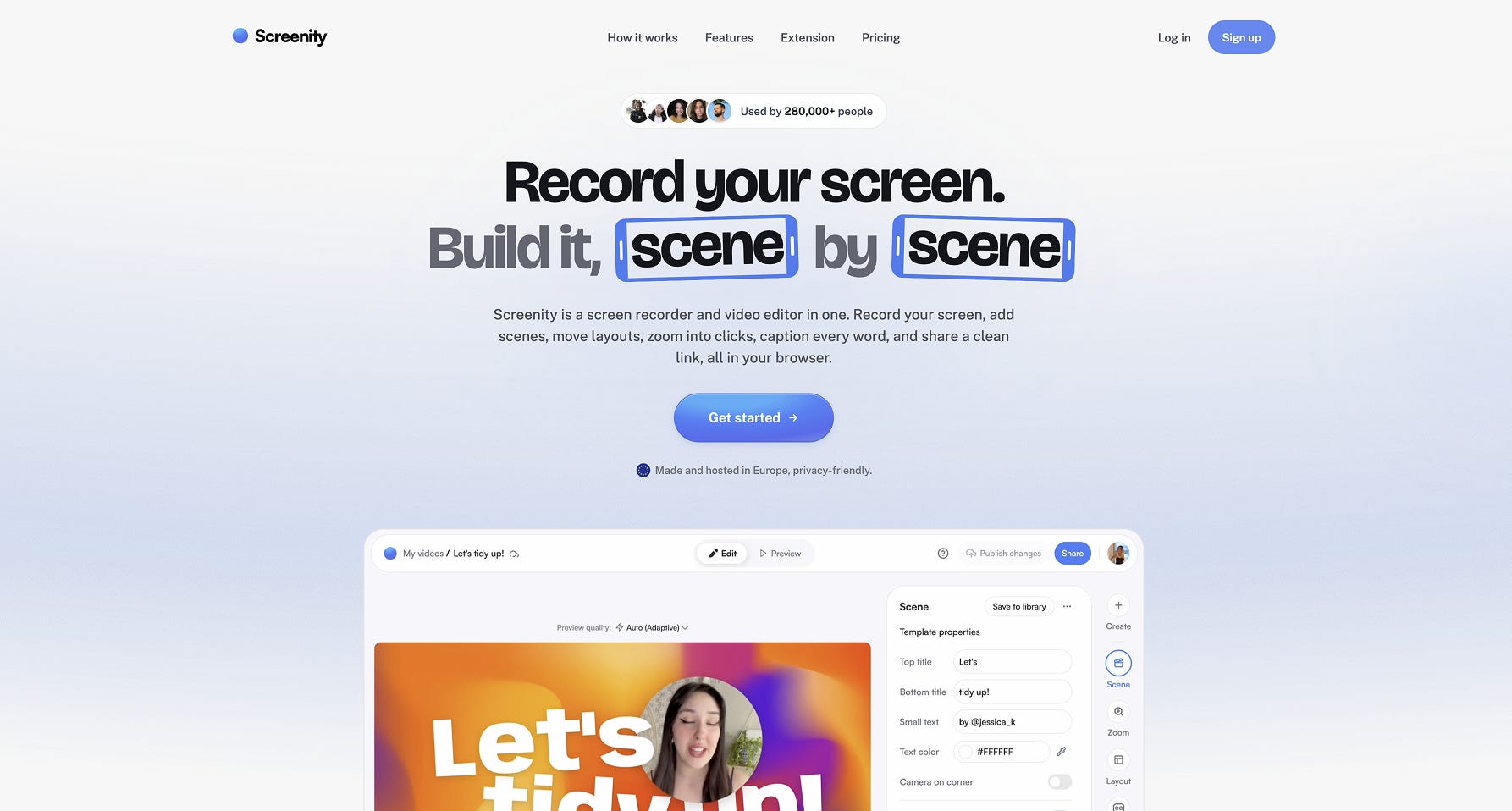
Before, the free extension was treated as the core of Screenity, with Pro as a sort of optional add-on. Now I’ve flipped it: Screenity is the product, and the extension is one capture layer within it, soon alongside the new native Tauri app I’m working on.
Oh yeah, and a small tease if you managed to read this long. I’ve also been building a whole new product in parallel, something completely different: a new perception layer for your Mac 👀
I’m still working on the landing page and teaser video for it, but if that sounds interesting, reply to this email. I’d love to get a few early testers!
See you,
Alyssa X
my fav blog ever
would love to test your new product too